

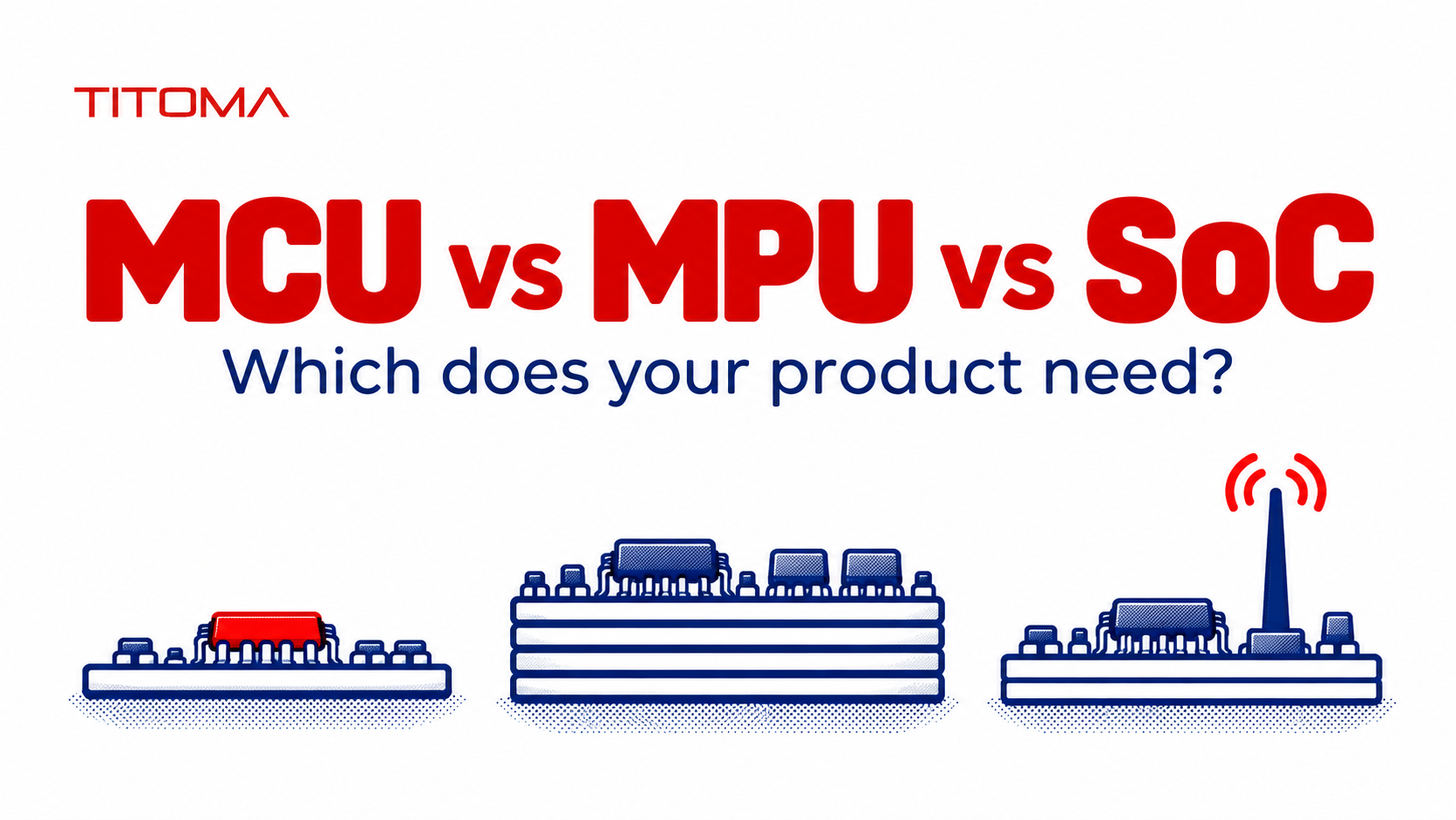
A microcontroller (MCU) runs dedicated firmware with memory and peripherals close to the processor. A microprocessor (MPU) typically runs a full operating system such as Linux with external memory. A system on chip (SoC) combines processing with other functions, but may be either kind. The right choice depends on workload, power, and production cost.
MCU vs MPU vs SoC: What Are the Main Differences?
| Factor | MCU | MPU | SoC |
|---|---|---|---|
| Runs | Dedicated firmware, optionally a real-time operating system (RTOS) | Usually a full OS such as Linux | Firmware on a wireless SoC; a full OS on many application SoCs |
| Memory | Usually on-chip RAM and flash, though some designs add external memory | Typically external DDR and nonvolatile storage | On-chip or external, depending on the device |
| Board complexity | Often a 2- to 4-layer board | Often 6 or more layers with high-speed memory routing | Varies; wireless designs also need RF layout |
| Power | Can be very low, with deep-sleep modes | Generally higher, including the memory and power rails | Depends on whether it is a wireless MCU or application processor |
| Boot time | Often milliseconds to useful operation | Often seconds for a Linux system | Depends on its software stack |
| Best fit | Control, sensing, simple connectivity, battery products | Rich displays, cameras, demanding networking, complex software | Connected products or rich interfaces, depending on SoC type |
These are design patterns, not guaranteed specifications. Board layer count and boot time depend on the exact chip, memory arrangement, interfaces, and product requirements. SoC is also an integration term, not a third processor class parallel to MCU and MPU: a wireless MCU and a Linux-capable application processor can both be SoCs.
What Makes a Microcontroller Different?
An MCU is a good starting point when the product must read inputs, control outputs, communicate over a few interfaces, and respond predictably. Its firmware usually runs directly on the hardware or under an RTOS. That architecture can start quickly and spend much of its life asleep, which matters for meters, handheld devices, and battery-powered sensors.
Integration keeps the bill of materials and board relatively contained. Many MCUs bring flash, RAM, timers, analog inputs, and serial interfaces onto the same die. It is still important to check the specific part: some connected MCUs use external flash, and a memory-heavy application can need external RAM. The label alone does not settle the schematic.
The practical limit is the workload. A small touch screen, modest data logging, and cloud connectivity do not automatically justify Linux. If the team can define the application, memory budget, response times, and update method, firmware on an MCU may cover it. Workloads with substantial graphics, camera processing, or third-party Linux applications point in another direction.
When Do You Need a Microprocessor Instead?
Choose an MPU when the product genuinely needs a full operating system: a large graphical interface, high-resolution video, multiple complex network services, a substantial file system, or software that depends on Linux libraries and processes. NXP’s i.MX 8M Plus is one example, with Cortex-A53 cores, DDR interfaces, camera inputs, and graphics hardware. Those capabilities solve real problems, but only if the product uses them.
A memory management unit (MMU) is the practical hardware dividing line for conventional Linux. It provides virtual memory and process isolation so that a full operating system can manage multiple applications. Arm explains that Cortex-A cores have an MMU, while Cortex-M cores do not; Cortex-M devices may have a memory protection unit, which is different. An RTOS on Cortex-M is not the same thing as Linux on Cortex-A.
Before selecting an MPU, identify the software feature that requires it. “We might want flexibility later” is expensive as a specification. If a Linux feature is unavoidable, plan the processor, memory, power, storage, thermal behavior, and update strategy together rather than treating the chip as a drop-in substitute for an MCU.
What Does “SoC” Actually Mean?
A system on chip integrates several functions on one silicon device. In embedded product discussions, the term covers at least two common, quite different cases. It can mean a wireless MCU with a processor and radio, or an application processor with CPU cores plus graphics, camera, and other subsystems. Asking whether a part is an “SoC” therefore does not tell you whether it runs firmware or Linux.
For the wireless case, Nordic describes its nRF52 series as SoCs that pair a Cortex-M4 with a 2.4 GHz radio. Espressif calls the ESP32-C3 a Wi-Fi and Bluetooth microcontroller SoC. Both fit the MCU side of the decision, though their radio layout and firmware stacks add work that a plain controller may not have.
For the application-processor case, the i.MX 8M Plus combines Cortex-A cores with graphics, video, camera, and other blocks on a chip while using external DDR. It is also an SoC. The meaningful question is what the device contains, what software it runs, and what external parts the board needs. “SoC” by itself is too broad to answer a sourcing or layout question.
Do not confuse an SoC with a system on module (SOM). A SOM is a small assembled board carrying a processor or SoC plus supporting components such as memory, storage, and power circuitry. The module plugs or solders into a product’s carrier board. It can save development time, but its price, availability, and connector constraints become part of the production design.
What Are the Hidden Costs of Choosing an MPU?
The processor price is only one line in the quote. Linux-capable MPUs commonly need DDR, nonvolatile storage, multiple power rails, and a more involved power-up sequence. The memory interface may require controlled impedance, matched lengths, careful reference planes, and a denser board stack. ST’s STM32MP1 DDR routing guidelines show the level of detail involved in routing the memory bus.
A 6-layer board is not a legal requirement for an MPU, and a 4-layer board is not guaranteed to work for every MCU. The stackup comes from the actual package escape, DDR topology, interfaces, EMC targets, and mechanical constraints. But adding DDR and high-speed interfaces can push the design toward more layers, tighter fabrication rules, and more engineering time. Those costs recur on every board.
Fast edges and multiple clocks create more opportunities for EMI. That can mean more layout iterations, shielding, filters, or enclosure changes if pre-compliance tests fail. Power consumption also includes DDR, storage, regulators, and the product’s standby behavior. A processor that looks cheap in isolation can force a larger battery or power supply.
Boot behavior is another product requirement, not just a software detail. A control device that must act almost immediately after power returns may need a separate MCU even if the main user interface runs Linux. If the MPU is essential, use a deliberate boot design and test the real time to useful operation, including application startup and network connection.
Linux also creates a long maintenance tail. The team needs a board support package, security updates, driver ownership, recovery behavior, and a plan for replacing storage or memory parts over the product lifetime. A prototype that boots from a vendor development board does not prove that the released product can be maintained five years later.
Many teams use a SOM to move the difficult processor, DDR, and storage layout onto an already designed module. An STM32MP2 SOM listed by ST, for example, integrates memory and storage for an embedded Linux design. This can reduce layout and bring-up risk, particularly at lower volumes, but it does not remove software maintenance or the need to qualify the module supplier and carrier board. Compare total product cost, not just the carrier board cost.
How Does This Choice Affect Certification and Manufacturing?
Start with the product’s required functions and markets, then review the processor choice during design for manufacturing. An early review can catch memory capacity, package escape, thermal limits, test access, and supply risks before the enclosure and PCB stackup are fixed. Replacing an MPU with an MCU after software architecture is built is rarely a tidy cost reduction.
Wireless SoCs reduce the number of separate chips, but RF design and regulatory work remain. Antenna placement, ground clearance, enclosure materials, and production variation can change performance. A radio module with existing approvals may shorten parts of the process, yet FCC certification for the finished product still depends on the integration and applicable rules. Budget for measurements on representative production hardware.
Processor availability matters as much as processor capability. Compare the manufacturer’s product status, memory options, second sources where possible, and the cost of a late substitution. A component reaching end of life can force new layout, firmware, and validation work. The risk is especially visible when a Linux board depends on a particular DDR or storage device as well as the processor.
Production programming and testing also differ. For MCUs, the factory may flash firmware, inject keys or identifiers, run boundary or functional tests, and verify that the correct image is on every unit. For MPUs, it may also need to provision storage, confirm the boot chain, test DDR, and check the Linux application. Define how failed programming is diagnosed and reworked before the first production lot.
Within the MCU category, family choice still affects sourcing, firmware tools, and the factory test plan. The STM32 and PIC32 manufacturing comparison goes into those practical differences. A short list of chips that all meet the functional spec is more useful when it also includes lifecycle, programming access, package yield, and confirmed availability.
Titoma usually frames this as a production decision: what must the hardware actually do, and what supporting circuitry and factory steps come with the processor? If a small MCU meets the requirements, there is little reward in paying for Linux, DDR, and a longer test plan. If Linux is needed, cost the full board and maintenance program from the start.
Which One Should You Choose for Your Product?
Use an MCU for bounded control and sensing tasks, especially when power, startup time, and unit cost matter. Use an MPU when the software requirement clearly needs Linux-class memory management, graphics, cameras, or a substantial application ecosystem. Treat SoC as a description of integration and then identify whether the part is a wireless MCU or an application processor.
For a quote, send the proposed processor family, firmware or OS plan, memory estimate, connectivity requirements, target markets, annual volume, and expected product life. Ask for a board-level comparison that includes memory, power, PCB stackup, programming, test, and regulatory work. That is the comparison that survives production.
